Welcome to the January edition of our product update – the first release of 2026, focused on making A365 smoother, smarter, and more intuitive for your teams.
We have a long list of improvements behind the scenes, but this spotlight highlights 88 new features and enhancements and 127 fixes that your teams will feel right away across Sales, Rental, Service, Inspections, Dealer Management, and more.
This release strengthens day-to-day workflows with faster visibility, cleaner data handling, and a more connected experience across the entire A365 platform.
Let’s dive into what’s new.
A365 Sales
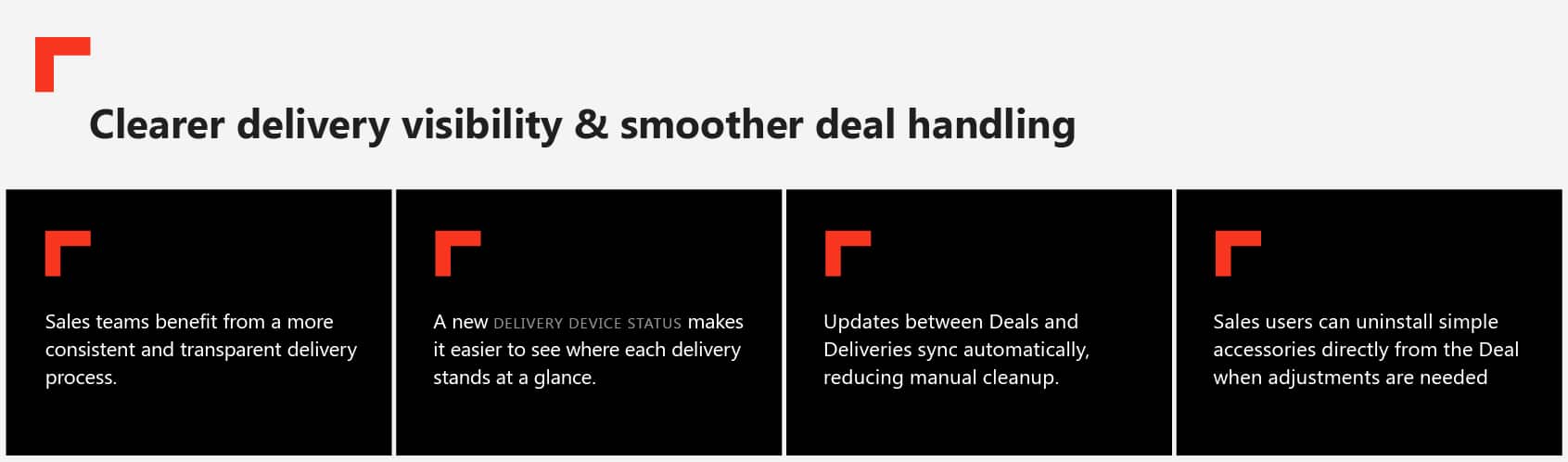
Your sellers can now respond to “What’s happening with my delivery?” without escalating to the back-office team.
Better customer insights & device information
Prospects can now be seamlessly converted into customers directly from the Accounts or Contacts pages. Additionally, device pages have been enhanced to display the complete measurement history and always show the most recent usage data, providing sellers with greater confidence when handling trade-in or used equipment opportunities.
Consistent, clearer naming
Deal Devices and Company Devices now generate clean, readable names automatically so teams can identify items instantly in lists, enabling the teams to recognise the right devices more quickly and move through their work with greater confidence.
A365 Rental
Faster device movements
With the new Quick Transfer action, users can move a rental device to another location in seconds, and the system completes all of the required processing automatically in the background.
By removing the usual administrative steps, teams can shift equipment immediately whenever priorities change or activity spikes.
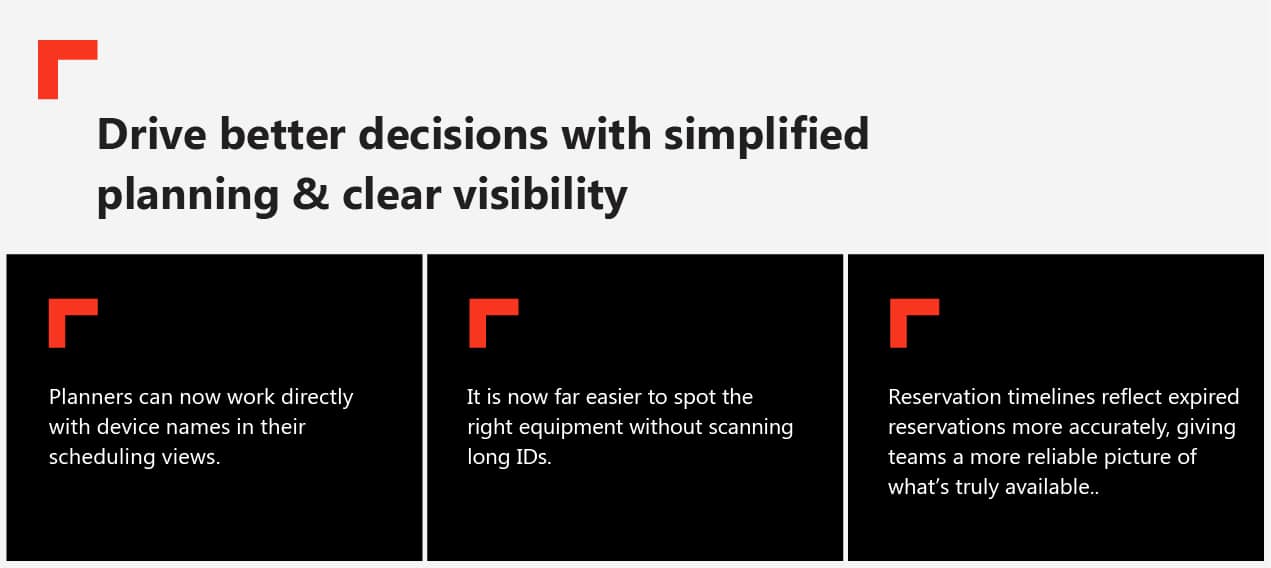
This added clarity helps planners keep schedules tight and avoid misallocation.
Aligned inspection handling
Delivery inspections now behave consistently between Rental Orders and Rental Transfers, and inspection creation logic is cleaner and more predictable.
The result is a process that feels more predictable and removes the guesswork from knowing when inspections will appear.
Richer financial insights
Rental orders now feature a Rental Revenue Overview, while rental devices provide enhanced visibility into key financial metrics, including revenue, depreciation, and net book value.
With this information available up front, rental teams can make smarter decisions about utilization, pricing, and equipment lifecycle.
A365 Parts
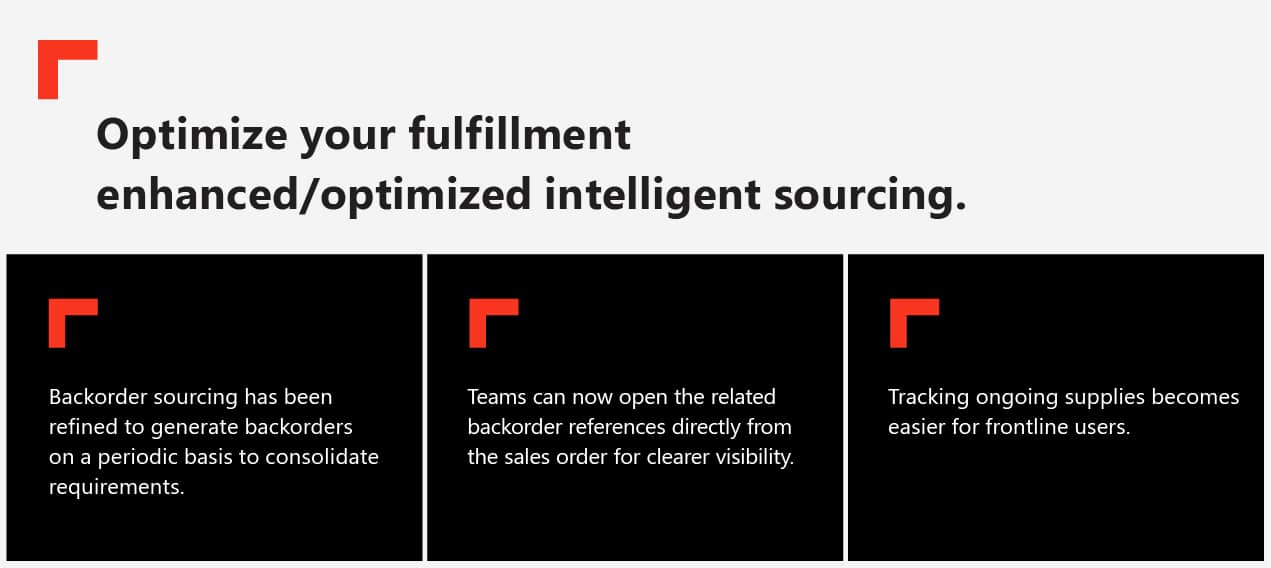
Frontline users can get things done with fewer steps with the flexible recurring background process.
Better catalog search experience
Searching for parts is now more intuitive, with external category values appearing directly in the catalog results so users can understand the context of each item at a glance. “Search from Catalog” is also available in Sales Quotations, allowing teams to find the right items without switching screens.
This makes quoting feel smoother and helps frontline users work with fewer steps.
Smarter item automation
Manual releases now automatically generate alternative items and item change records. This eliminates routine manual reference maintenance and ensures item relationships and replacements stay accurate over time.
By simplifying this part of the quoting process, teams can spend less time maintaining data and more time serving customers.
Improved remanufactured item workflows
Sales quotations now make remanufactured items much easier to handle from the moment you add them. Instead of needing to remember extra steps, the system simply creates the refund line whenever it’s needed and keeps the quotation organised for you.
This means efficient processing and fewer mistakes when dealing with returns or rebuilds.
A365 Service
Stronger scheduling & capacity planning
New capacity thresholds now prevent overbooking and provide a more accurate view of workshop availability. In turn, time slot searches and booking visuals have been refined, offering planners greater clarity and reliability.
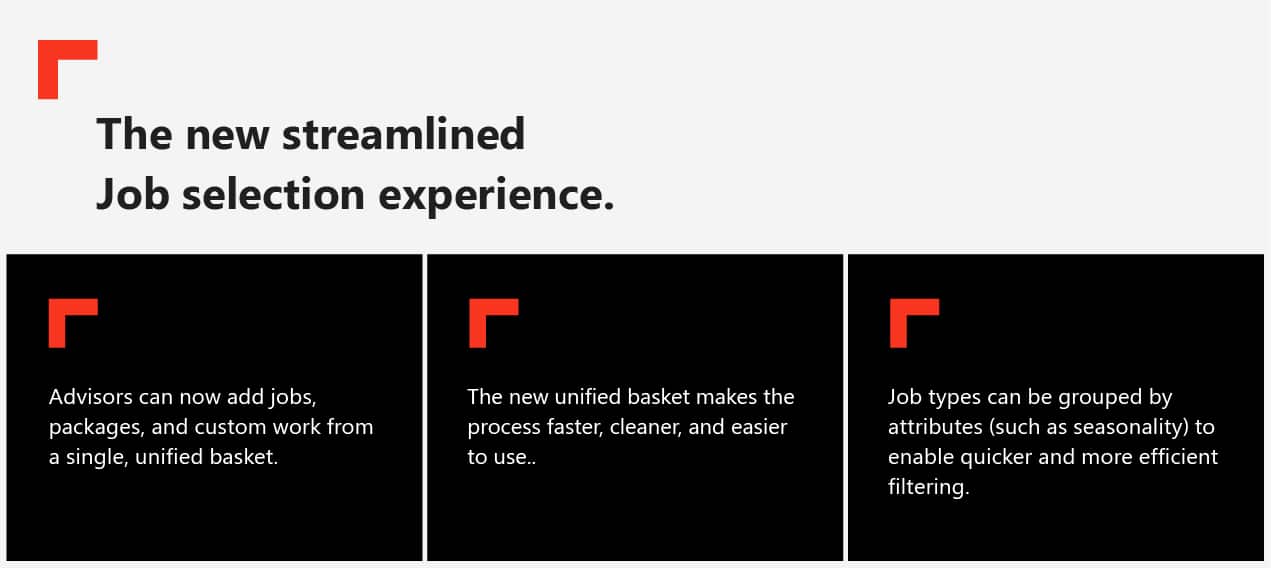
As a result, advisors spend less time clicking through screens and more time confidently building accurate service orders without interruptions.
A365 Inspections
The future of unified inspections
Unified Inspections continues to evolve as the new standard for how inspection processes operate across A365. With legacy capabilities now clearly reclassified as Inspection V1 and Observation V1, the new framework introduces a modern, consistent foundation that aligns inspection structure, configuration, and behavior across applications.
This shift ensures inspections become more standardized, predictable, and future-ready across your entire organization.
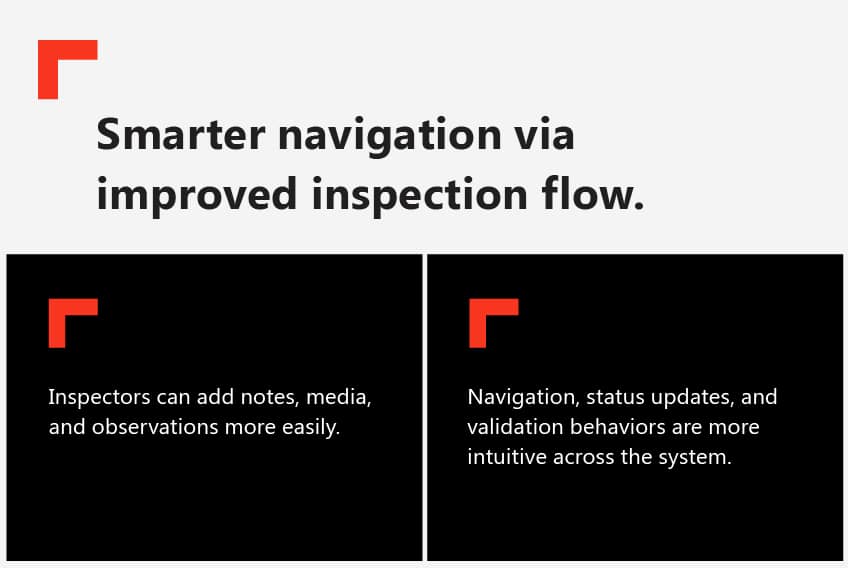
This creates a cohesive field workflow that lets inspectors stay focused on the machine instead of navigating the interface.
A365 Dealer & Device Management
Cleaner device visibility and accuracy
Devices now display a full usage history instead of only the most recent meter reading, giving teams clearer insights into performance and lifecycle trends for better diagnostics and planning. Branding and configuration values are also validated more reliably during imports and updates, ensuring cleaner data and reducing inconsistencies across the system.
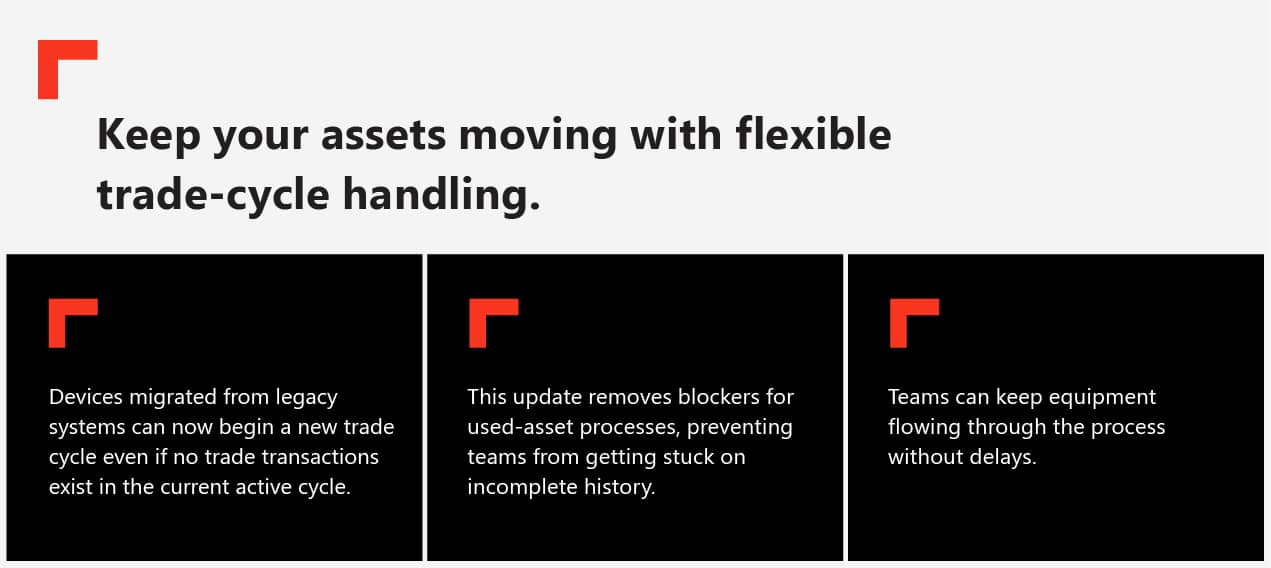
With the constraint lifted, teams can keep work moving confidently and maintain momentum throughout the workflow.
Dealer Portal improvements
Duplicate item numbers and cancelled warranties no longer appear, and onetime delivery addresses remain tied to the order rather than altering customer master data.
It makes device usage easy to understand, improving decisions for everyone.
Platform and Performance Enhancements
This release delivers a range of platform‑level enhancements designed to make daily work faster and more consistent. Building on these improvements, busy screens like device lists and item browsers load more quickly, and core processes such as validation, data syncing, and imports run more smoothly.
Altogether, these upgrades reduce peak‑hour slowdowns and create a more stable, reliable experience for teams across the system.
Wrapping Up
This January 2026 release continues the evolution of A365, bringing forward a wave of enhancements that strengthen performance and simplify operations.
Every improvement reflects how our users work and what they need day to day. We hope these changes make a meaningful difference for you and continue to support the results you deliver. Thank you for being part of the journey, and we look forward to sharing even more progress with you soon.
For full release details and walkthroughs, visit the Insider Portal, contact us for more information, or follow us on LinkedIn.