
March 2026: 62 new features covers Sales, Rental, Parts, Service Center, Contracts, Device Management, Inspections, Warranty, and Platform.
The March 2026 release covers Sales, Rental, Parts, Service Center, Contracts, Device Management, Inspections, Warranty, and Platform. This month introduces DriveAI-powered rental quotation workflows, natural language device search, enhanced intercompany processing, and smarter service scheduling. Here’s what shipped.
This month, we’re rolling out a wide set of new capabilities across the platform, including DriveAI-powered actions, smarter delivery and rental flows, improved pricing control, and stronger service execution tools.
From AI-driven integrations to cleaner workflows in Finance & Operations and Service Center, this release is all about helping teams move with more clarity and less manual effort.
Let’s take a look at some of the key updates.
Release HighlightsProduct update: A365 Sales
A365 Sales
Feature 212288
1. Ability to change a Device on a Deal
Changing a device mid-deal no longer means starting over. You can now swap devices directly within an existing deal, while the system takes care of the rest.
- Replace a device directly within an existing deal
- Automatic recalculation of pricing, accessories, and related components
- Built-in validation ensures only valid replacements
- Full preservation of deal structure
This means you can adjust deals quickly without breaking pricing or business logic.
A365 Sales
Feature 205087
2. Deal Total Amounts and Pricing Improvements
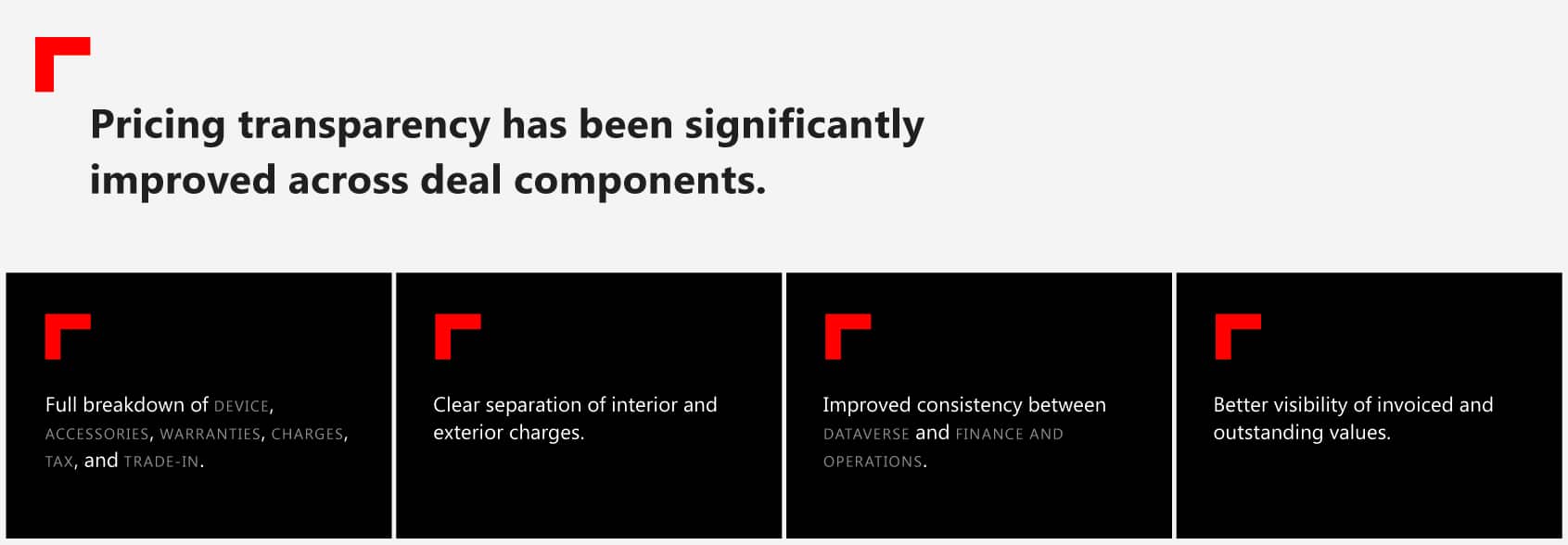
What this means for you: Every cost element is now visible and easier to validate.
A365 Sales
Feature 211390
3. Ability to initialize currency for Deal management
Currency inconsistencies? Gone.
Deals now require a currency upfront, automatically pulled from customer or user settings, with built-in handling of mismatches.
You’ll experience clean, consistent financials from the very start. No surprises later.
A365 Sales
Feature 217220
4. Device intelligence on Deal Device
More device context is now available directly within the deal.
- VIN, lifecycle, and status details shown on the deal
- Estimated arrival, purchase, and delivery information
- Real-time device visibility inside the deal form
So your team can make faster decisions without switching systems.
A365 Sales
Feature 209842
5. Ability to initialize currency for Customers
Customer setup just got tighter and more consistent. Every customer now has a defined currency from day one, pulled from your existing settings.
What this means: Fewer gaps, cleaner data, and smoother downstream processes.
Release HighlightsProduct update: A365 Rental
A365 Rental
Feature 220925
1. DriveAI actions for Rental quotations
AI is now embedded directly into rental workflows.
- Create rental quotations using AI-driven actions
- Add rental device lines using natural language
- Post, confirm, cancel, or mark quotations as lost via AI
- Programmatic cost calculation
With this, rental creation can move from manual to automated, opening the door to AI-driven workflows and integrations.
A365 Rental
Feature 204171
2. Create multiple Rental orders from one quotation
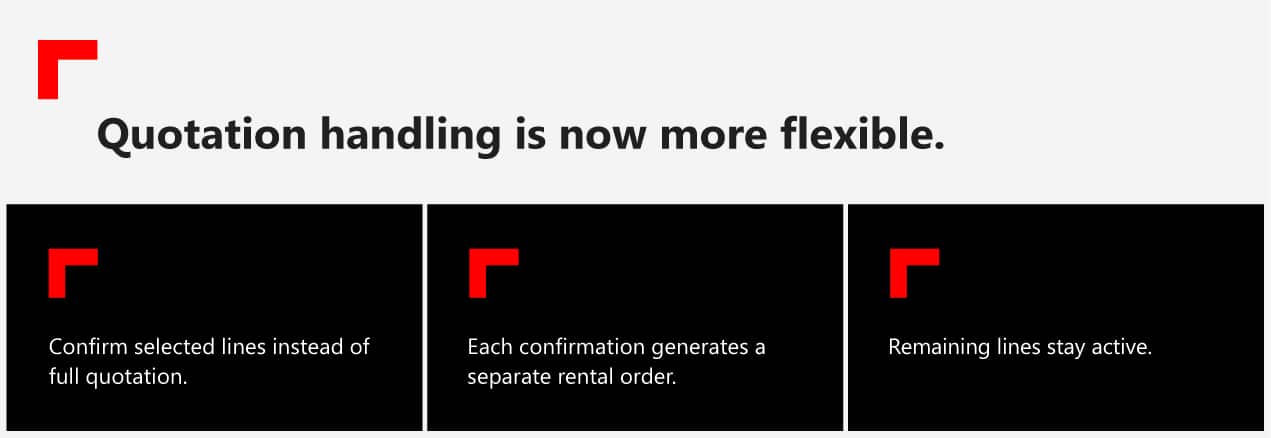
What this means for you: One quotation can now drive multiple operational orders.
A365 Rental
Feature 217300
3. Intercompany rental enhancements
Sourcing equipment across companies just got smarter as the Intercompany search functionality is now available directly from the Allocation.
Improved filtering and automatic linking mean less searching and fewer manual steps when allocating rental assets.
With this, you’ll experience faster, cleaner intercompany processes with less effort from your team.
A365 Rental
Feature 127458
4. Rental Work Order Cost visibility
Cost transparency is significantly improved.
What’s new:
- Breakdown of maintenance, delivery, inspection, and incident costs
- Aggregated cost per device and order
- Service cost visibility by work order type
What this means for you: You can now see the true cost of rental operations.
Release HighlightsProduct update: A365 Parts
A365 Parts
Feature 175063
1. Qualify returned worn remanufactured items
Returned items now go through a proper qualification step before re-entering the process.
What’s new:
- Qualification step for returned worn remanufactured items
- Validation before items are accepted back and credit is issued for customers
- Improved tracking of return condition and status
With this, you’ll reduce incorrect returns and credit amounts, avoid downstream issues, and keep your remanufacturing process clean and controlled.
A365 Parts
Feature 210427
2. Item browser – Prices to consider retail channels
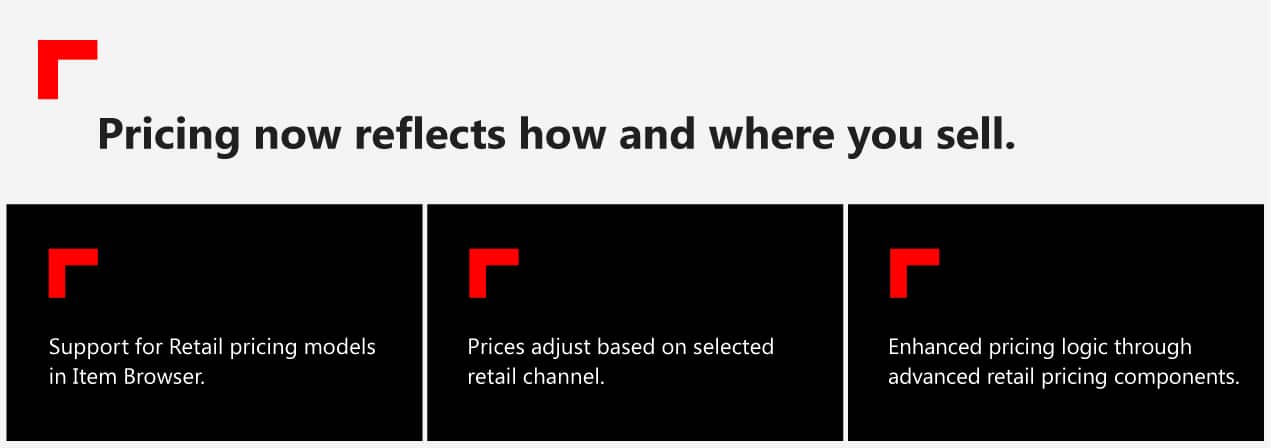
This will result in more accurate pricing, better margin control, and quotes that align with your actual sales channels.
Release HighlightsProduct update: A365 Service Center
A365 Service Center
Feature 208894
1. Device-aware operations
Your technicians no longer have to guess what applies to what. Operations now dynamically filter based on the selected device, so teams only see what’s relevant.
This will result in fewer errors, faster execution, and less noise for your team.
A365 Service Center
Feature 218815
2. Service appointment scheduling with lead time
Scheduling finally reflects reality. With built-in lead times and adjustable buffers, you can plan work based on actual capacity. Not wishful thinking.
This means better planning, fewer clashes, and smoother workshop flow.
A365 Service Center
Feature 219346
3. Enhanced travel configuration
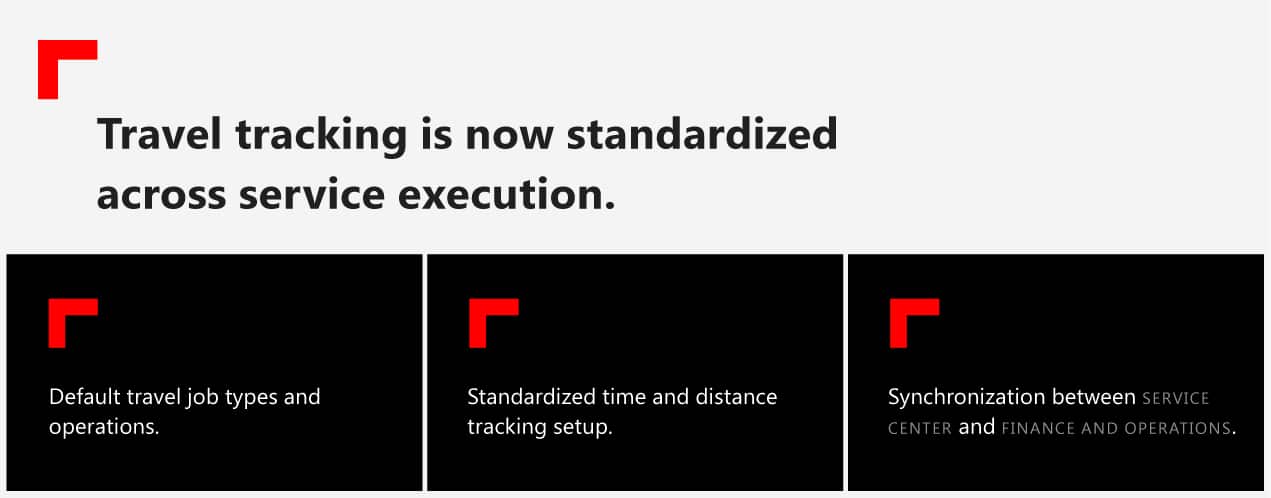
A365 Service Center
Feature 191375
4. Unified Basket Experience
Service intake workflows are now more consistent.
What’s new:
- Standardized side panel across service actions
- Consistent experience for jobs, items, and operations
- Improved handling of long selection lists
This gives you a smoother and more intuitive service selection experience.
Release HighlightsProduct update: A365 Contracts
A365 Contracts
Feature 111737
1. Contract statistics visibility
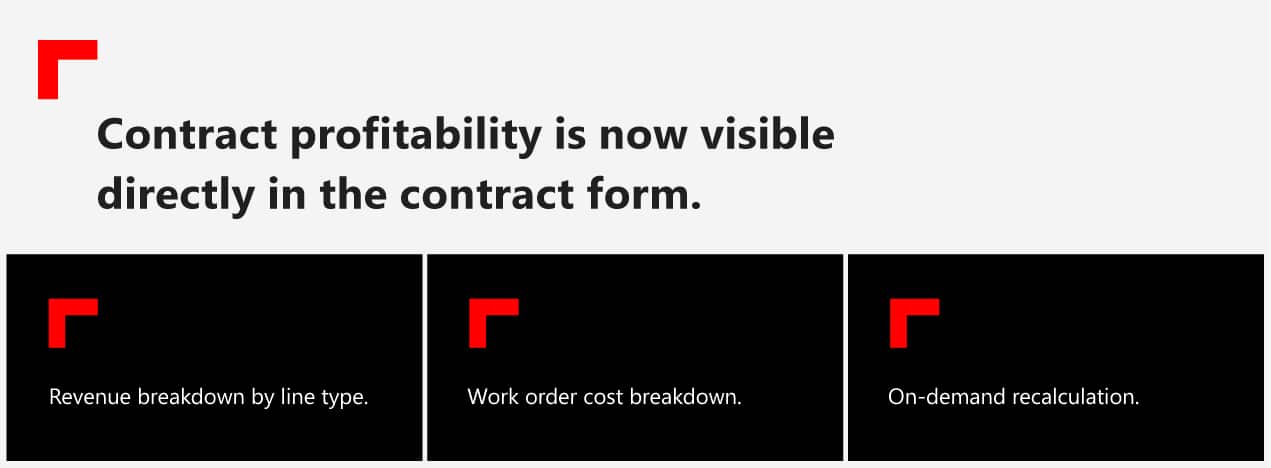
You’ll unlock instant visibility into contract performance.
A365 Contracts
Feature 221459
2. Deferral schedule aligned to invoicing
Revenue recognition now better reflects what’s actually happening, as the deferral schedule creation is extended with more flexible options.
What this means: More accurate financial reporting, aligned with real invoicing timelines.
Release HighlightsProduct update: A365 Device Management
A365 Device Management
Feature 193894, 193896
1. Interior and insurance charge enhancements
Charging logic is now more granular.
What’s new:
- Support for device model codes and configurations
- More precise pricing rules for interior and insurance charges
You’ll experience finer control over device-based pricing structures.
A365 Device Management
Feature 191368
2. Device measurement improvements
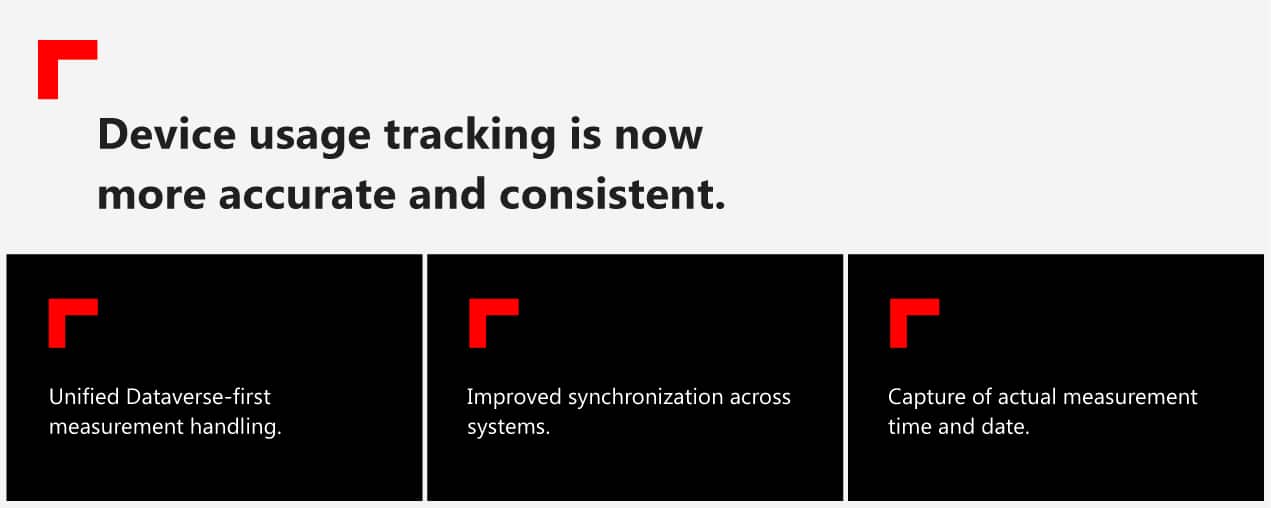
What this means for you: More reliable usage and lifecycle data.
Release HighlightsProduct update: A365 Inspections
A365 Inspections
Feature 210862
1. Checklist rules in Inspection Center
Inspection execution is now more automated.
What’s new:
- Rule-based actions for notes and observations
- Automated checklist behavior
What this means for you: Faster and more consistent inspection processing.
A365 Inspections
Feature 186929
2. Rental inspection integration (Dataverse Inspection Center)
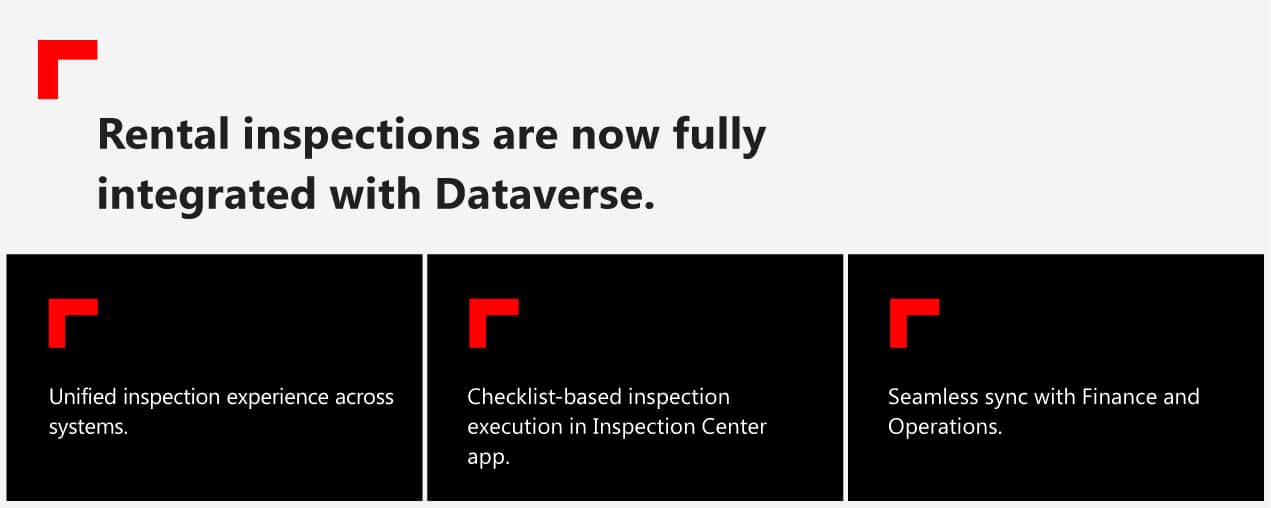
What this means for you: A modernized and unified inspection workflow.
Release HighlightsProduct update: A365 Warranty
A365 Warranty
Feature 210033
1. Intercompany warranty claim improvements
Warranty processing is now more automated and controlled.
What’s new:
- Controlled intercompany inbound claim creation
- Improved claim processing rules
- Dedicated intercompany claim actions
This gives you fewer manual steps and fewer processing errors.
A365 Warranty
Feature 208755
2. Financial accuracy for intercompany warranty claims
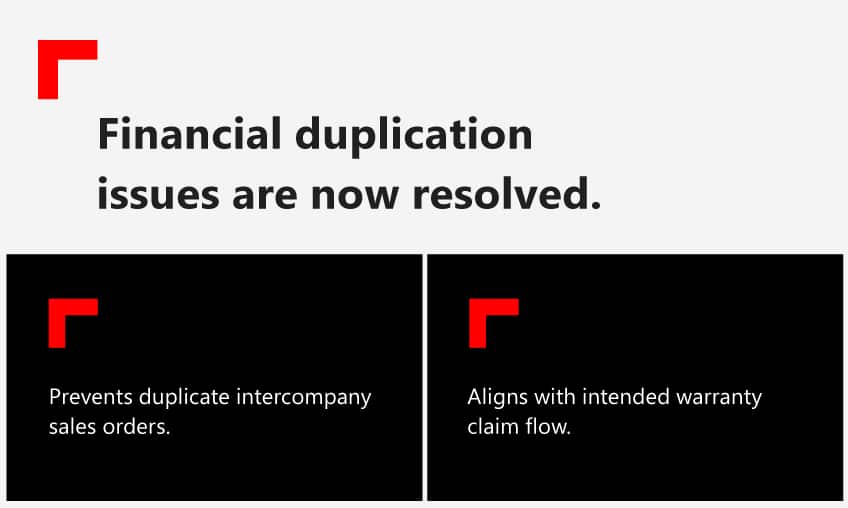
Release HighlightsProduct update: A365 Platform and AI
A365 Platform and AI
Feature 221995
1. DriveAI device search
AI now enables natural language device search.
What’s new:
- Search devices using natural language
- API-based AI actions for external tools
- MCP server compatibility
What this means for you: Device data is now accessible through AI assistants and integrations.
A365 Platform and AI
Feature 153030
2. A365 Cloud Integration Platform logging
Integration monitoring is significantly improved.
What’s new:
- Enhanced logging across the file orchestrator and transformer framework
- Improved traceability using file and transaction IDs
- Detailed processing and error tracking
This will result in faster troubleshooting and better system visibility.
A365 Platform and AI
Feature 178482
3. Expose OEM dealer relationships via OData
Dealer contract data is now easier to access.
What’s new:
- OData exposure of OEM dealer contract relationships
What this means for you: Simplified integration and reporting across dealer networks.
Wrapping up
This month’s release brings together 62 new features, alongside 36 enhancements and improvements, and 75 fixes, all focused on helping your teams work faster, smarter, and with less friction.
With this release, we continue to strengthen the foundation of A365, delivering better usability, faster processes, and more reliable operations for your business.
For full release details and walkthroughs, visit the Insider Portal, contact us for more information, or follow us on LinkedIn.
62 Features
36 Enhancements
75 Fixes
This release continues closing the gaps that create manual work, disconnected decisions, and operational delay across the value chain. A365 gets sharper with every release.