
Most enterprise software has spent the last two years bolting AI onto the side of the product. A chat box here, a summary button there. It looks modern. It rarely changes how the work actually gets done.
Annata has taken a different route with the first AI Actions in A365, built on Microsoft Dynamics 365. The AI is not a feature sitting beside the workflow. It runs inside the workflow itself, in the same screens people already use to search devices, build rental quotations, and create sales orders.
Heimir Skúli Guðmundsson, Chief Product Officer at Annata, explains the thinking behind the first release and what comes next.
In short
- First AI Actions in A365 are live for automotive, truck, bus, and equipment businesses.
- They run inside existing workflows, not in a separate assistant bolted on top.
- The first scenarios cover natural language device search, rental quotation, sales quote generation, and sales order creation.
- Every action runs on Microsoft Dynamics 365, using the same data and security model the business already trusts.
- AI Actions run within defined validation and security controls, with users staying in control of approval.
- The work is part of DriveAI, Annata’s AI accelerator for industry workflows.
- Inbound warranty claim workflows and further DriveAI scenarios arrive in June 2026.
A lot of “AI-powered” solutions today are exactly that: powered on top of something else.
A layer. A copilot. A feature you switch on. Useful? Sometimes. Transformational? Rarely.
Because if AI sits on top of a system that was never designed for it, businesses still operate within the same constraints:
- the same workflows
- the same friction
- the same dependency on manual navigation and system knowledge
That’s not how we see AI evolving at Annata.
From the beginning, our focus with A365 and Drive AI has been to build AI into how the solution operates, not bolt it on later as an additional interface.
The March and April releases are the first real expression of that approach.
Why AI in enterprise software must be built into the system
If AI is truly part of the enterprise solution, it should not feel separate from the system itself. It should appear naturally in how users interact with software from the very first moment.
That’s why one of the first capabilities we introduced in A365 was natural language device search.
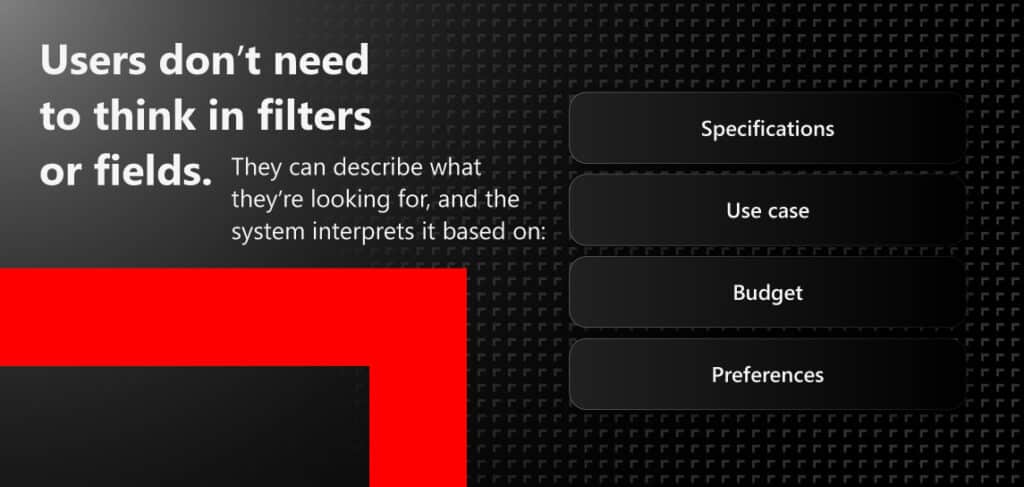
The goal is simple: reduce friction between intent and action.
For many users, especially in complex automotive, equipment, and rental operations, the challenge is not a lack of functionality. It’s the effort required to navigate systems built around rigid process structures.
A365 takes the opposite position. The first scenario is a natural language device search. Instead of opening a record, filtering a list, and scanning columns, a user describes what they need, and the system retrieves it. The search is not a sidebar. It is the way the screen works.
AI actions in A365 for Rental Quotation workflows in A365
Most enterprise systems today are still designed around predefined workflows. But people don’t think in workflows.
No one wakes up excited to navigate a process tree or manually execute sequential ERP steps. People think in outcomes.
That led us to a simple question: What changes when the system understands intent instead of requiring structured input?
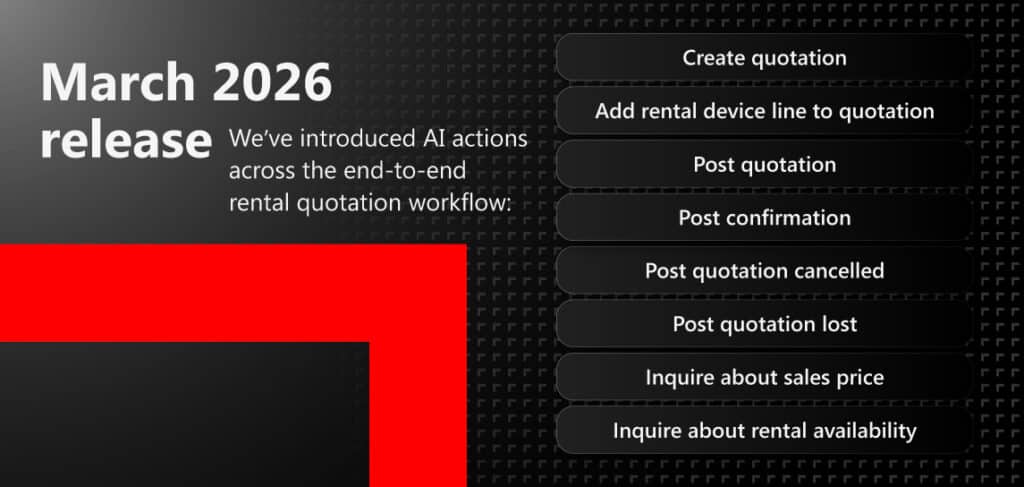
Instead of guiding users through every operational step manually, AI Actions allow the system to execute workflow actions directly based on intent.
This changes the role of AI from assistive to operational.
Drive AI actions for Sales Quote Generation and Sales Order Creation
In April 2026, we expanded the same approach with Drive AI Actions for:
- sales quote generation
- sales order creation
AI agents can now manage deal execution workflows end-to-end by:
- generating quotation journals
- creating sales orders directly within A365
- reducing manual navigation across multiple operational steps
Both actions are built on standardized endpoints with validation and security controls in place.
That matters because enterprise AI cannot only be capable. It also has to be governed, reliable, and operationally scalable inside Microsoft Dynamics 365 environments.
This is where AI begins moving beyond assistance and into execution.
Not simply helping users complete workflows, but reducing the operational complexity behind those workflows altogether.
Why scalable AI architecture matters in Microsoft Dynamics 365 environments
One of the realities that still doesn’t get discussed enough in enterprise AI is that capability alone is not the challenge.
Scalability is. Performance is. Cost control is.
During our prototyping phase at Annata, we saw that well-designed AI Actions in A365 can significantly reduce unnecessary system interactions and orchestration overhead.
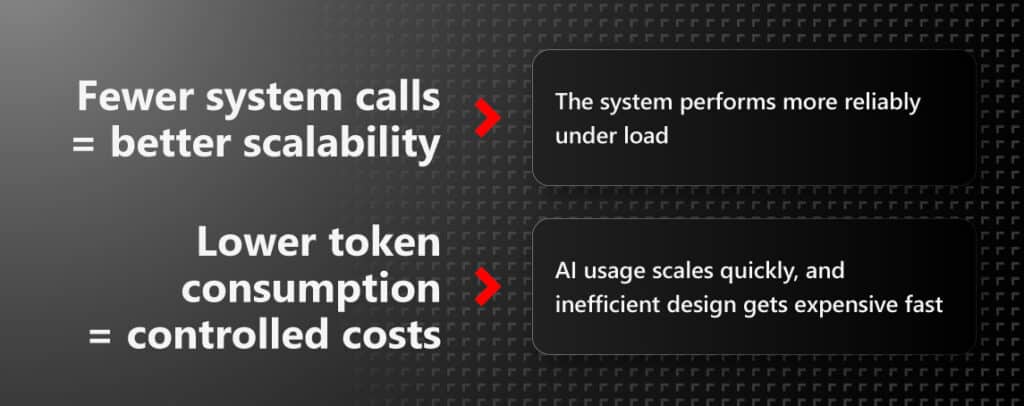
This is one of the reasons we believe AI cannot be treated as an afterthought or an overlay strategy.
If AI is added later, organizations inevitably spend time optimizing around architectural limitations that already exist.
Our approach with A365 and Drive AI is to design for AI from the start.
What’s coming next for AI Actions in A365
The March and April releases are only the beginning. In June 2026, we’re extending AI Actions in A365 further with support for inbound warranty claim workflows.
The objective is to deliver:
- end-to-end inbound warranty claim workflow support
- additional posting actions for rental operations
- expanded Drive AI-driven operational scenarios as they become production-ready
The long-term direction is clear.
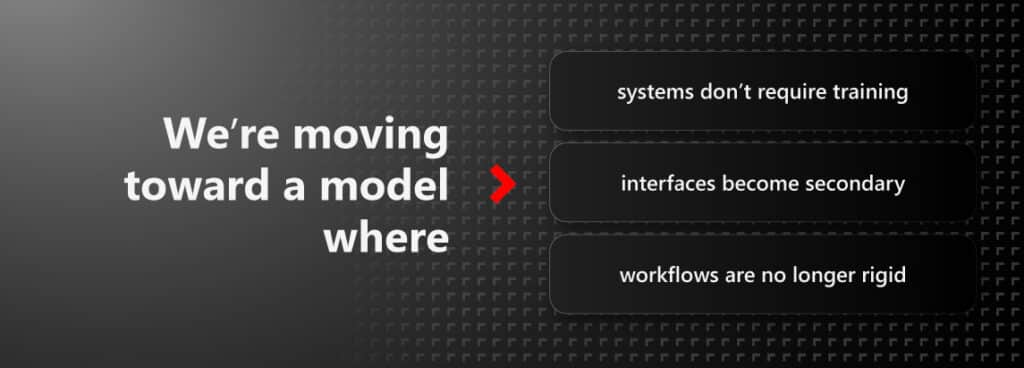
Most importantly, software starts adapting to people instead of forcing people to adapt to software.
For us, that is the real opportunity with AI in enterprise applications.
Not simply smarter features, but fundamentally smarter ways of working.
The March and April releases are an important milestone because they represent the beginning of that shift inside A365 and Microsoft Dynamics 365.
To learn more about AI Actions in A365 and other updates from the recent update, check out our Product Spotlight.
About the author
Heimir Skúli Guðmundssonis Chief Product Officer at Annata. Today, Heimir leads product strategy, enablement, and innovation initiatives across A365, with a focus on bringing AI into the day-to-day workflows of automotive, truck, bus, and equipment businesses on Microsoft Dynamics 365.
Frequently asked questions
What are AI Actions in A365?
AI Actions in A365 are AI-driven steps that run inside A365 workflows on Microsoft Dynamics 365. Rather than a separate assistant, they perform structured tasks such as searching for a device or building a rental quotation directly in the screens people already use, with a person reviewing the result before it is committed.
Which workflows do AI Actions in A365 support today?
The first release covers natural language device search, rental quotation, sales quote generation, and sales order creation. Inbound warranty claim workflows and further scenarios follow in June 2026.
How is AI governed in A365?
AI Actions run within A365’s validation and security controls on Microsoft Dynamics 365, using the same data and identity model as the rest of the platform. Users stay in control: the system prepares the work, and a person reviews and approves before anything is committed.
What is DriveAI?
DriveAI is Annata’s AI accelerator for industry workflows, bringing AI Actions and related scenarios to automotive, truck, bus, and equipment businesses on Microsoft Dynamics 365. More detail is available at annata.net/driveai.